
Back to GuideSign in to Posora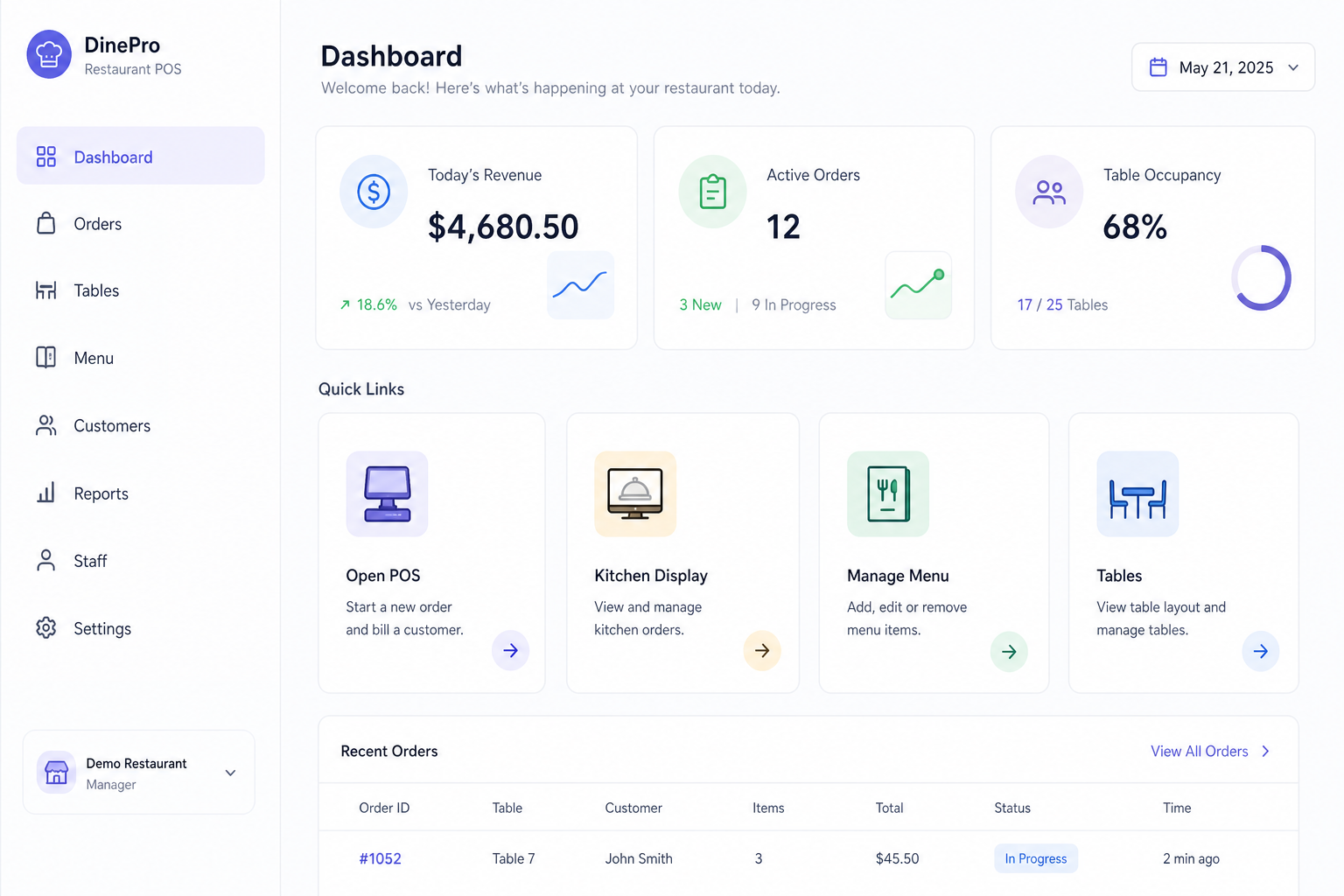
Dashboard — today’s stats and quick shortcuts
Dashboard overview
See today’s revenue, open orders, and quick shortcuts after you sign in.
For Owners, managers
Step-by-step
- 1Sign in at your restaurant subdomain (e.g. your-name.posora.co) → Staff sign in.
- 2Open Dashboard from the left sidebar.
- 3Check Today’s revenue, active orders, and table occupancy.
- 4Use quick links for POS, Kitchen Display, Menu, or Tables.
Tips
- • Bookmark your subdomain — staff should not use the main posora.co login for day-to-day ops.